 Malaysia
 Singapore
 Thailand

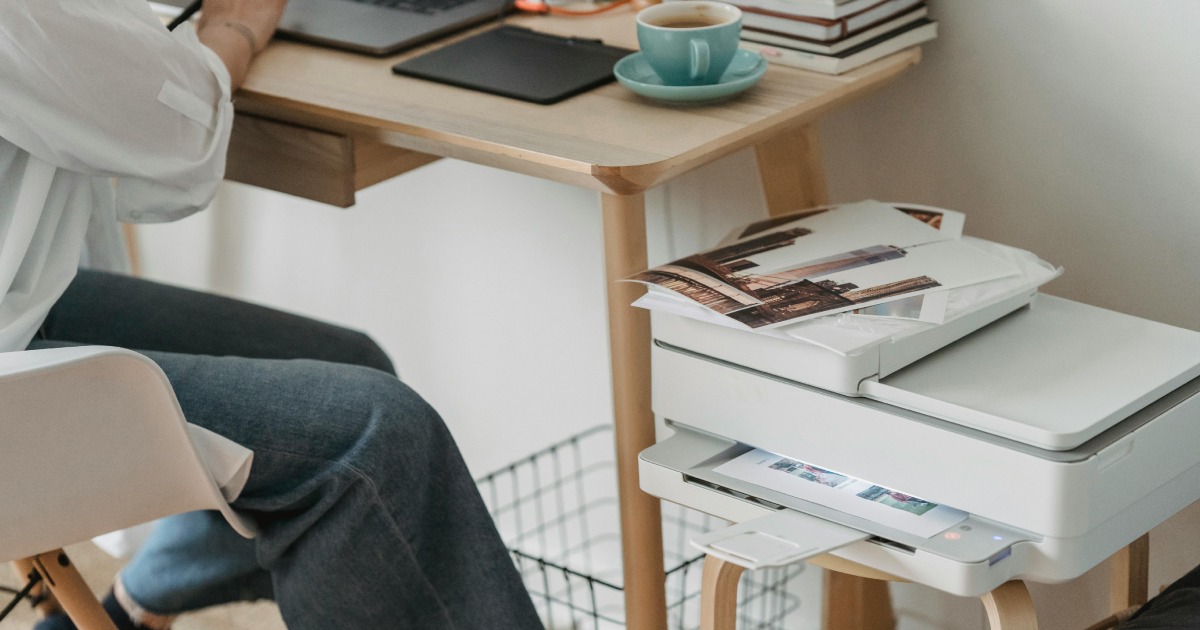
There has been a surge in demand for home office tech since the lockdowns, and the humble home printer is easily one of the most popular devices. Singaporeans continue to search for the best home printer for work, arts & crafts and everything in between.
If you are looking for a home printer, our guide gives you the 11 best printer choices in Singapore. Instead of a simple numbered list, I have compiled them by type of use. So, instead of scouring through technical specs, it will be easier for you to pick the best home printer for how you plan to use it.
Choosing the best home printer – 10 things to help you decide
First, here are the 10 things that you should consider before you decide on the best home printer for you.
- Printer type: There are 3 main types of home printers: inkjet, laser, and all-in-one (printer, copier and scanner in one). The next section covers their unique features in detail.
- Printing needs: Consider how you’ll primarily be using the printer. If you print a lot of text documents, a monochrome laser printer might be ideal. If you also intend to print photos or colour documents occasionally, an inkjet printer may be better.
- Print quality: Look at sample prints or reviews to assess the print quality of the printer. For photo printing, pay attention to colour accuracy and detail.
- Print speed: Consider the printer’s speed, especially if you frequently print large documents or batches in your home office. Laser printers are generally faster than inkjet printers.
- Connectivity: A good home printer offers convenient connectivity options such as USB, Wi-Fi, Ethernet and mobile printing (e.g., AirPrint, Google Cloud Print).
- Size: Consider the physical dimensions of the printer, especially if you have limited space. All-in-one printers tend to be larger due to their multifunction capabilities but they can replace multiple devices, ultimately saving you space.
- Ease of use: Look for a printer with an intuitive interface and easy-to-use features, especially if you’re not tech-savvy. A touchscreen can be helpful.
- Additional features: Determine if you need any extra features such as automatic duplex printing (printing on both sides of the paper), automatic document feeder (for scanning/copying multiple pages), or borderless printing (for printing photos without borders).
- Operating costs: Consider the cost of replacement ink or toner cartridges and paper. Sometimes, printers with cheaper upfront costs end up being more expensive to maintain because of high ink or toner costs.
- Budget: Set a budget and find a printer that offers the features you need within that price range. Remember to consider long-term costs like ink or toner replacement.
Choosing printer type – inkjet, laser or all-in-one
Here is a quick breakdown of the advantages and disadvantages of the 3 main types of printers. There are exceptions, for example, Epson’s EcoTank inkjet printers swaps cartridges for refillable ink tanks which are less expensive.
Inkjet Printers
Advantages
- Versatility: Inkjet printers are versatile and can handle a variety of printing tasks, including text documents, photos, graphics, and even special media like glossy paper and transparencies.
- Colour printing: Inkjet printers are known for their ability to produce vibrant and high-quality colour prints, making them suitable for tasks like photo printing or marketing materials.
- Affordable initial cost: Inkjet printers typically have a lower upfront cost compared to laser printers, making them more accessible for home users.
Disadvantages
- Ink cost: While the printer itself might be affordable, the cost of ink cartridges can add up over time, especially if you print frequently or in high volumes.
- Print speed: Inkjet printers tend to be slower than laser printers, particularly when printing large volumes or high-resolution images.
- Printhead maintenance: Inkjet printers require periodic maintenance, such as printhead cleaning, to prevent clogging and maintain print quality.
Laser Printers
Advantages
- Fast printing speed: Laser printers are known for their fast print speeds, making them ideal for high-volume printing environments.
- Cost efficiency: While laser printers often have a higher upfront cost than inkjet printers, they typically have lower printing costs per page, especially for black-and-white documents.
- Sharp text quality: Laser printers produce crisp and clear text, making them suitable for printing documents like reports, resumes, or presentations.
Disadvantages
- Initial cost: Laser printers generally have a higher initial cost compared to inkjet printers, which might be a barrier for some home users.
- Limited colour options: While colour laser printers are available, they are typically more expensive than their monochrome counterparts and may not offer the same vibrant colour reproduction as inkjet printers.
- Size: Laser printers tend to be larger and heavier than inkjet printers, which could be a concern if space is limited in your home.
All-in-One Printers (Multifunction Printers)
Advantages
- Space-saving: All-in-one printers combine printing, scanning, copying, and sometimes faxing capabilities into a single device, saving space in your home office.
- Versatility: With multiple functions in one device, you have the flexibility to handle various tasks without needing separate devices.
- Convenience: All-in-one printers often come with features like automatic document feeders (ADFs) and wireless connectivity, enhancing convenience and productivity.
Disadvantages
- Complexity: All-in-one printers may have more features and settings than standalone printers, which could be overwhelming for some users.
- Reliability: Because they combine multiple functions, there’s a risk that if one component fails (e.g., the scanner), it can affect the entire device’s functionality.
- Cost: All-in-one printers typically have a higher upfront cost compared to basic inkjet or laser printers due to their multifunction capabilities.
The best home printers in Singapore by how you use them
Here’s our list of 11 best home printers to buy in Singapore right now, based on 5 distinct types of use cases. They are:
- High volume, low cost
- Creative printing
- Basic printing
- Laser printing
- Compact size
For High-Volume Printing & Low Running Cost
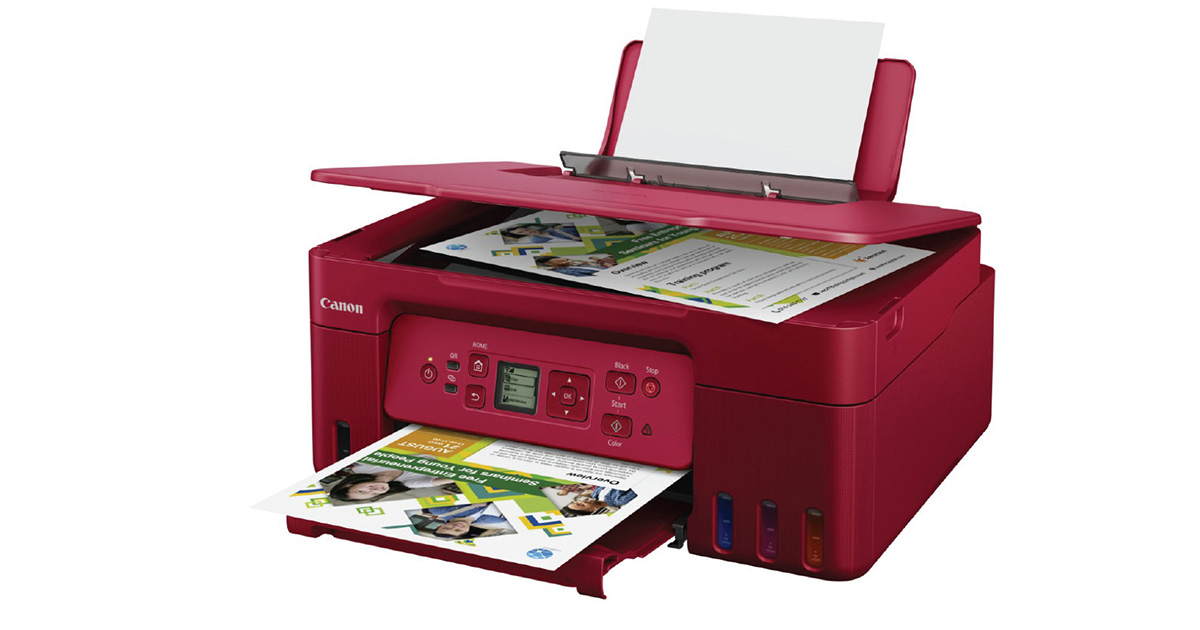
1. Canon PIXMA G3770 MegaTank All-in-One Inkjet Printer
This printer uses refillable ink tanks, making it incredibly cost-effective for high-volume printing. Print quality is excellent for both documents and photos.
2. Epson EcoTank ET-L18050 Photo Printer
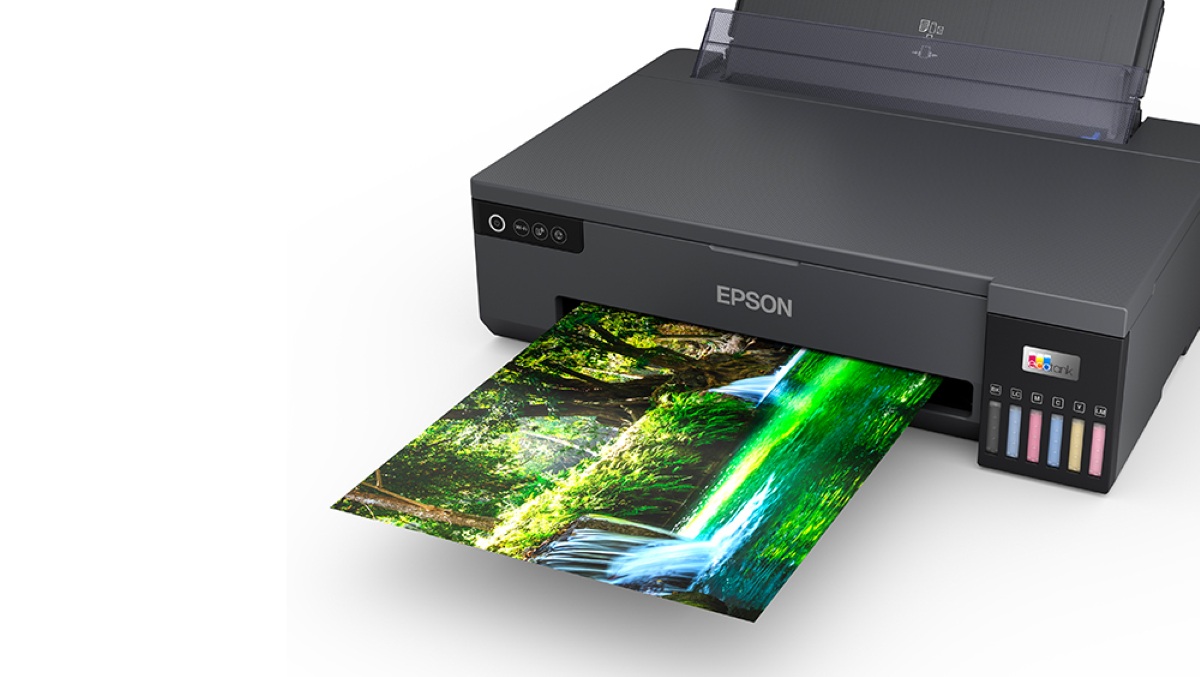
The Epson EcoTank ET-L18050 is fuelled by a 6-colour Claria ET Photo ink system and can print borderless photos up to A3+ size (13″×19″) in very high resolution (up to 5760×1440 dpi). This home photo printer supports specialty media and cardstock and perfect for high-quality photos, prints and mixed media at home. It has the ability to print on photo paper, fabric, and even magnetic sheets. Plus, EcoTank ink bottles are more economical than cartridges, so you spend less over time.
For Basic Printing
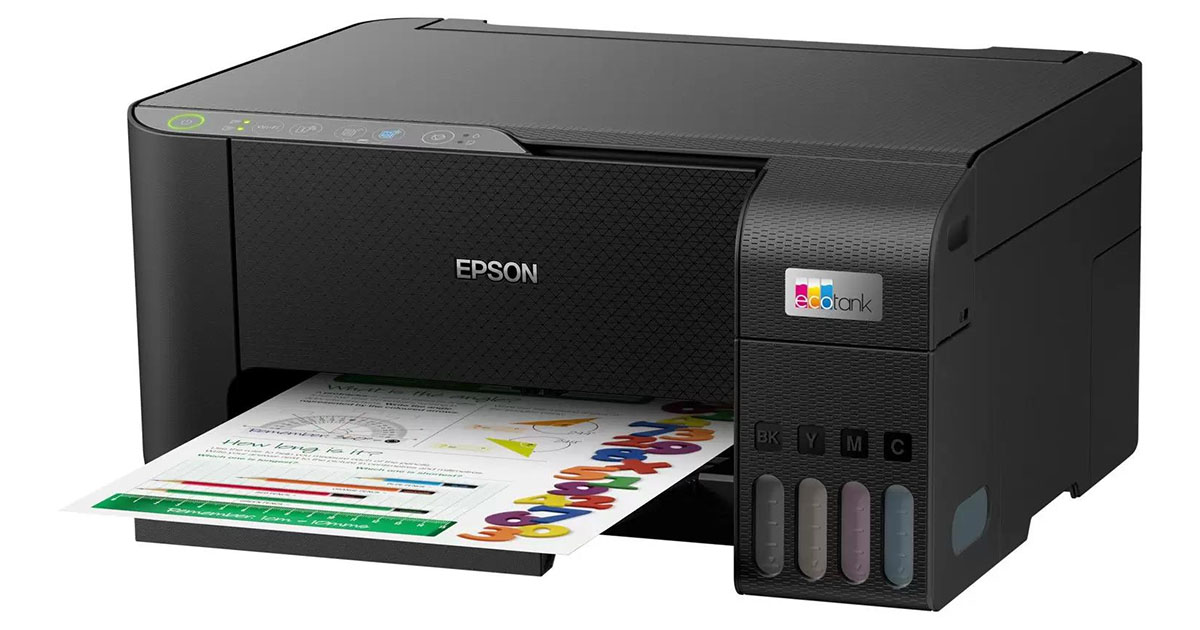
3. Epson EcoTank L3250 All-in-One Inkjet Printer
This printer is a good option for basic printing needs, as it is affordable and easy to use. Its refillable ink tanks can help to save money, too.
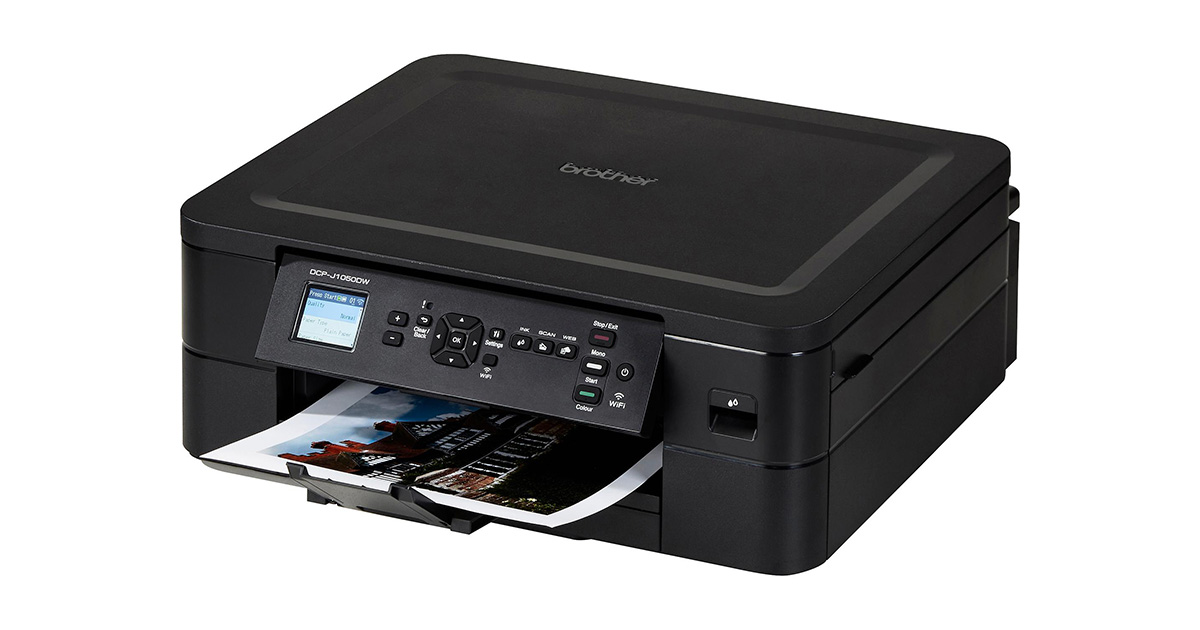
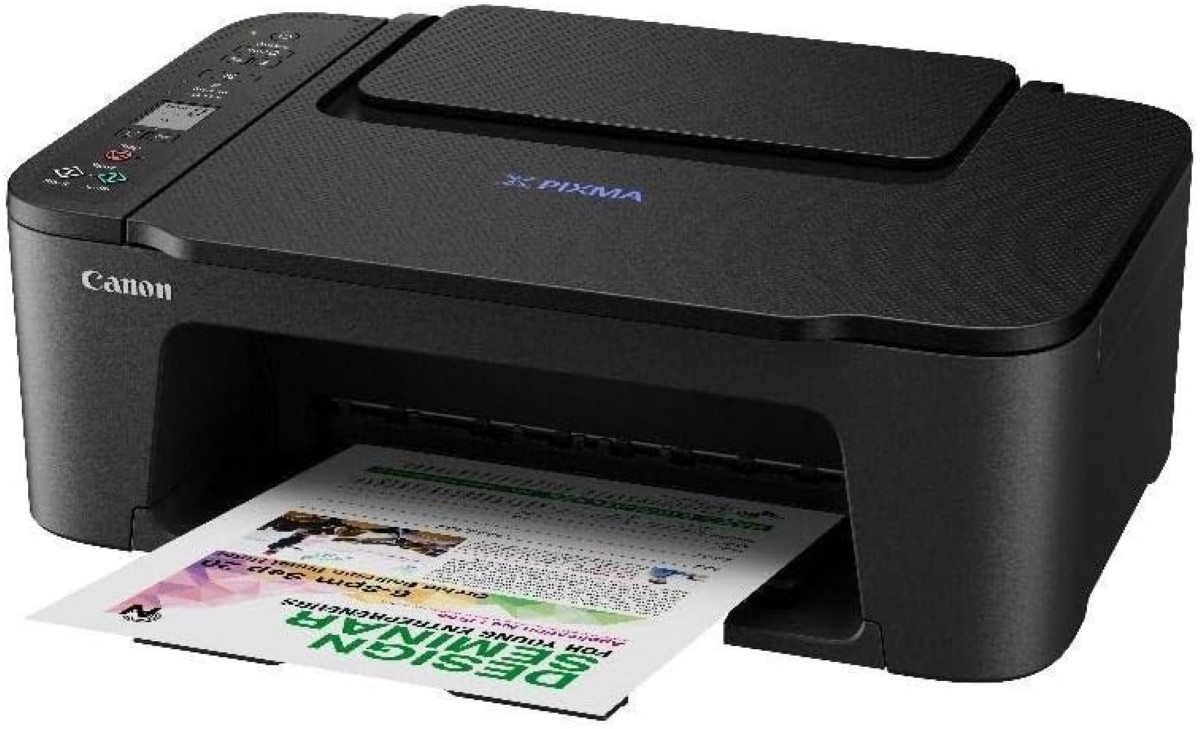
This printer is another good option for basic printing needs and comes with the added convenience of wireless printing.
For Laser Printing
6. Canon ImageCLASS LBP6030W Laser Printer
The Canon ImageCLASS LBP6030W Laser Printer is a good, compact option for those who need a printer that can handle high volumes. It is capable of black-and-white printing at up to 18 ppm, making it a fast and efficient option. Use Wi-Fi to print wirelessly from anywhere in your home or office.

Best water dispenser: Our top 12& a guide to choose one for your budget
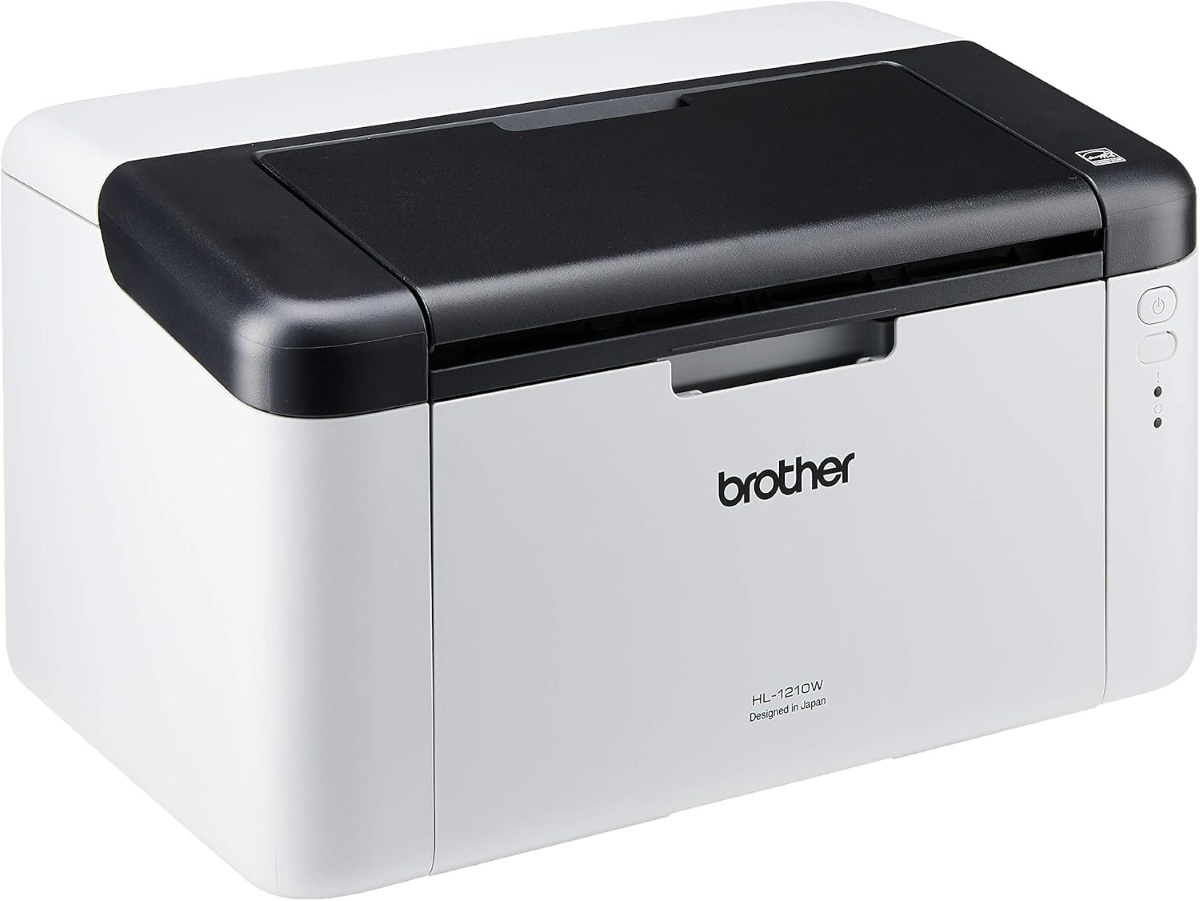
7. Brother HL-1210W Laser Printer
This laser printer is another good option for black and white printing, and sports the extra plus points of a compact design and affordable price tag.
For compact size
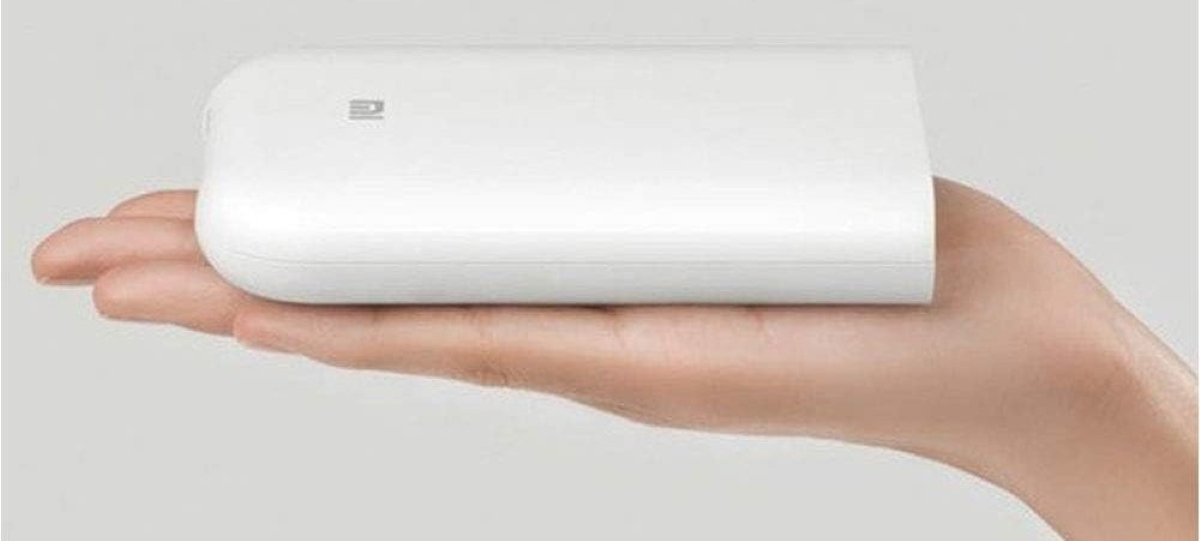
8. Xiaomi Portable ZINK Portable Photo Printer
At a feather-light 181 grams, the Xiaomi Portable ZINK Portable Photo Printer is the ultimate compact printer. Able to print 1 colour page per minute, it may not be the fastest device on our list but it definitely wins in terms of compact size and portability. If you are travelling, this inkless printer is just 12.4cm x 8.5cm x 2.5cm, smaller than many portable drives.
Buy now on Amazon Lazada Shopee
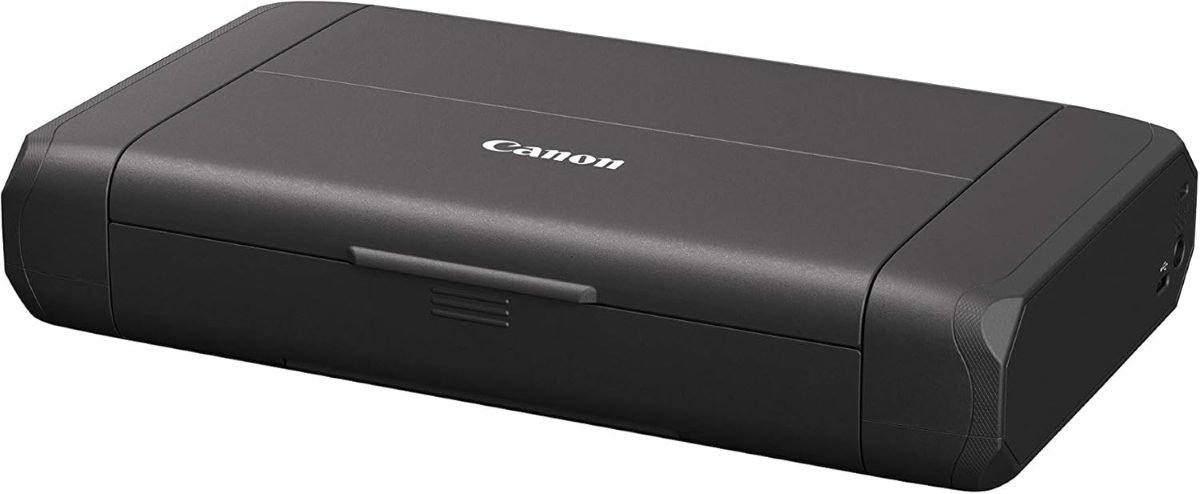
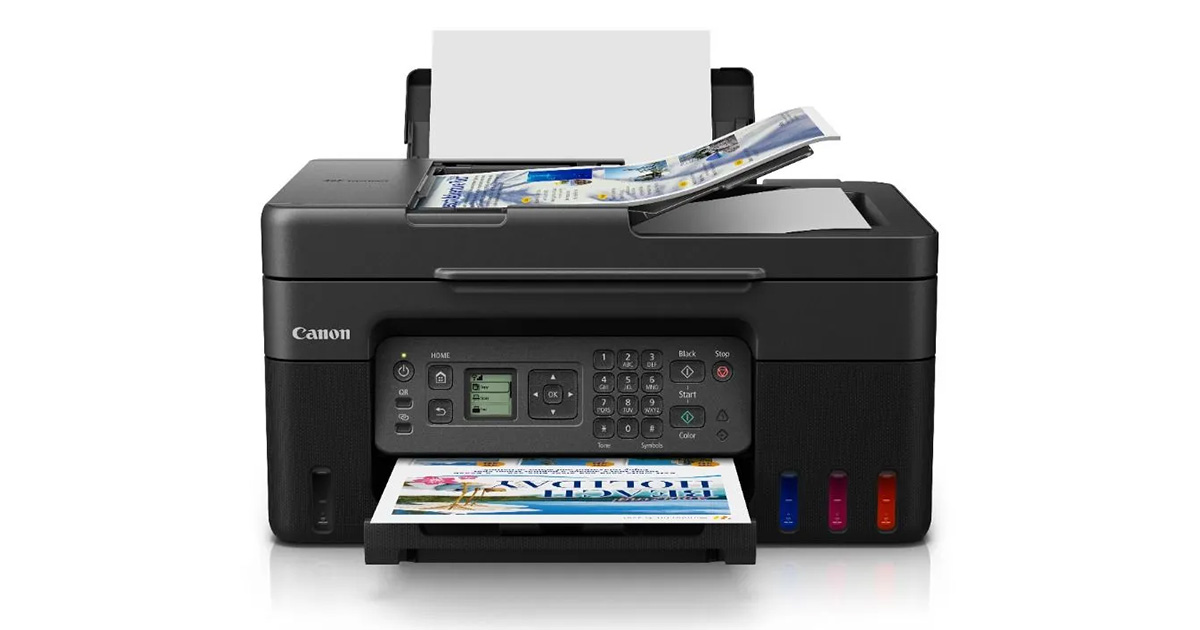
This portable inkjet printer is a great option for students and professionals who need to print on the go. It’s small, lightweight and does both printing and scanning very well.
Buy now on Amazon Lazada Shopee
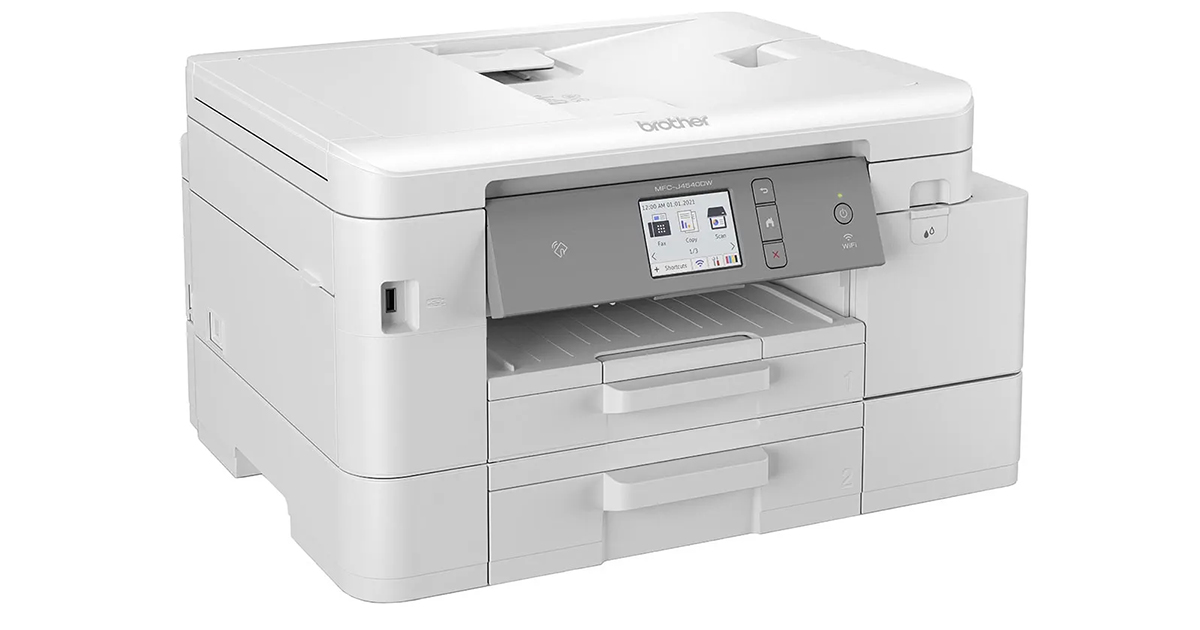
10. Brother MFC-J4540DW Home Printer
This all-in-one printer has printing, scanning, copying and faxing functions, all in a compact design. It’s a good option for home offices or small businesses.
This compact photo printer is perfect for printing high-quality photos at home and on the go. Despite the slim and petite body, it comes with a 1.44″ OLED display and the ability to print wirelessly.