
 Malaysia
 Singapore
 Thailand

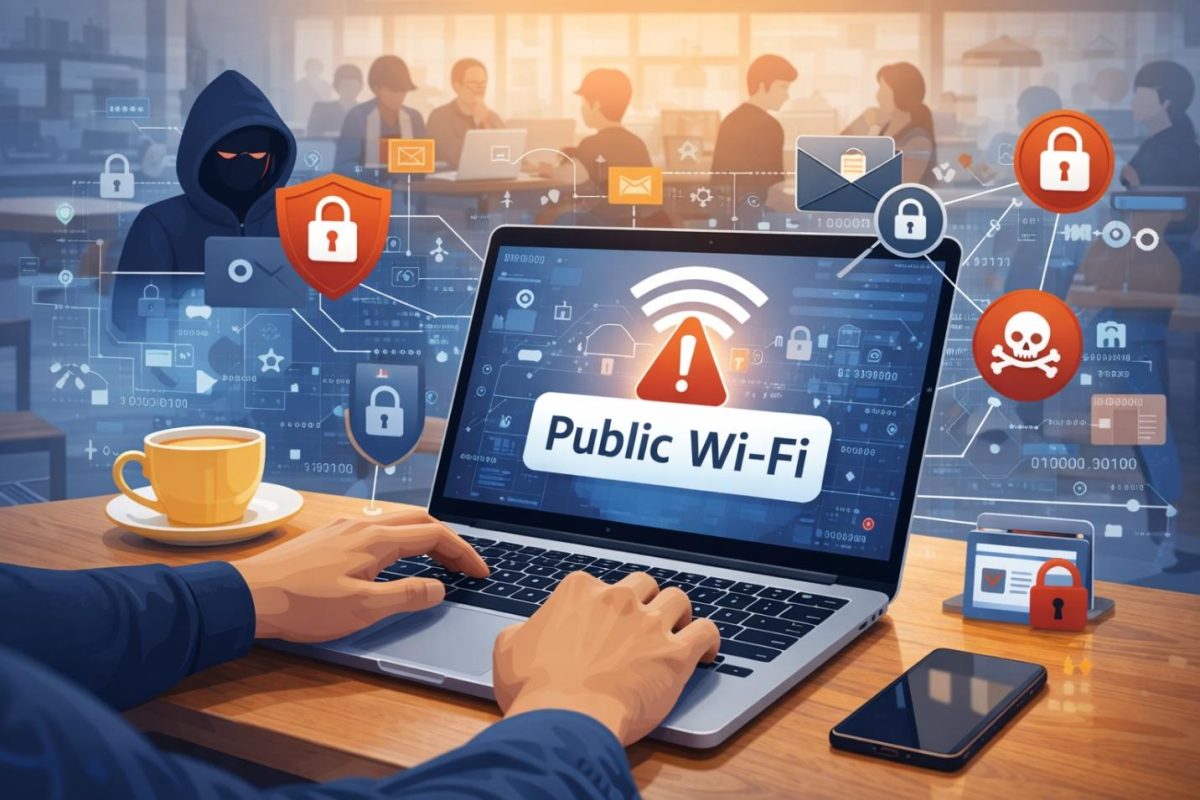
Most people don’t connect to public Wi-Fi because they love it. They connect because life happens in between places. A quick email before a meeting. A payment you forgot to make. A file you need to send while you wait for a ride. Public networks are the internet’s waiting room.
The trouble is that public Wi-Fi asks you to trust a network you didn’t build, can’t inspect, and don’t control. You might be careful with passwords and still leak information you didn’t realize you were sharing. After 25 years watching how these systems fail in the real world, I’ve learned that the question isn’t “Is public Wi-Fi safe?” The better question is “What exactly is exposed when you use it?”
Public networks are shared environments, not private pipes
When you connect to a café, airport, hotel, or mall Wi-Fi, you’re joining a shared local network. That network may be well configured or sloppy. You can’t tell by the signal strength or the name.
On a shared network, several things become possible:
- Someone can create a lookalike hotspot and trick devices into joining it
- A misconfigured router can allow connected devices to see each other
- A malicious user can attempt interception techniques, especially on older setups
- The network operator can log metadata about what you access
Even when you use modern websites that support encryption, you still reveal more than you think.
The data trail you leave begins before you click anything
Your device starts communicating as soon as it connects.
It negotiates a connection. It asks for DNS resolution to find websites. It may sync cloud files, update apps, refresh email sessions, and restore browser tabs. That background traffic matters because it creates more opportunities for information to be observed, recorded, or interfered with.
Many Windows laptops in particular run a lot of background services: updates, synchronization tools, messaging apps, and browser sessions that stay logged in.
If you regularly work from public networks, a sensible practice is to secure the connection itself, especially when handling logins or any sensitive task. Some users do that by using CyberGhost for Windows to add a protected tunnel on networks they don’t manage.
This is not about fear or marketing language. It’s about reducing exposure when you’re operating in an environment where you don’t control the router.
What the network owner can realistically see
A common assumption is that the Wi-Fi owner can read everything you type. That is not always true.
If you’re using encrypted sites, the owner usually can’t see the exact pages or content. But they often can see:
- The domains you connect to
- The timing and volume of traffic
- The device identifiers used to join the network
- In some cases, the DNS queries that reveal where you are trying to go
That information sounds harmless until you consider how revealing it can be. Visiting a bank domain, a health site, an employer portal, or an online store can paint a detailed picture without anyone reading the actual content.
The bigger danger: fake networks and forced detours
The most damaging public Wi-Fi scenarios usually involve deception.
A fake hotspot is the easiest path. If you connect to a network controlled by someone else, they can attempt to redirect you to login pages that look real, capture credentials, or serve malicious downloads.
Even on legitimate Wi-Fi, attackers sometimes exploit weak configurations to attempt man in the middle tricks. Modern encryption makes this harder, but not impossible, especially if users ignore warnings.
If you ever see a certificate warning when you are on public Wi-Fi, treat it as a stop sign. Disconnect, switch networks, and do not log in until you’re on a connection you trust.
Cookies, sessions, and the thing people forget to protect
Most online damage today comes from session theft, not password guessing.
If someone gains access to your device, browser, or session cookies, they may not need your password at all. They can ride your existing logged-in session into email accounts, shopping accounts, or dashboards.
This is why public network safety is tied to device safety. If you browse on public Wi-Fi with:
- An outdated browser
- A pile of untrusted extensions
- No device lock
- Saved passwords in the browser
You’re taking on more risk than you realize.
A better baseline looks like this:
- Keep Windows and browsers updated
- Use a password manager instead of browser password storage
- Turn on multi-factor authentication for email and financial accounts
- Lock your device quickly when you step away
What happens after you leave the café
The impact of a public Wi-Fi session often shows up later.
An attacker who captured something valuable may wait. A mailbox rule might be created to forward emails quietly. A password reset might be triggered at night. An account login may happen from a location you’ve never visited.
That delay is what makes public network incidents frustrating. People can’t connect the problem to the moment it began.
If you want a simple habit that catches problems early, review recent sign-ins for your primary email account. Email is the hub. If email is compromised, everything else is within reach.
A quick reality check on what Wi-Fi operators can observe
If you want a practical explanation without the technical fluff, this public Wi-Fi visibility piece does a good job of outlining what network owners can and cannot see, and why the difference matters.
A safer way to use public networks without quitting them
You don’t need to swear off public Wi-Fi to reduce risk. You need to treat it like a shared space.
- Use public Wi-Fi for light browsing, not high-stakes admin work
- Prefer your mobile hotspot for banking, payments, and account changes
- Disable sharing and choose the Public network profile in Windows
- Log out of sensitive dashboards when you finish the task
- Keep multi-factor authentication enabled
Public networks will always exist because people will always need a quick connection. The goal is not perfection. The goal is awareness.
When you understand what’s exposed on public Wi-Fi, you stop treating it like a private connection. You use it with the same caution you’d use in any shared environment. That mindset alone prevents most of the costly mistakes.